Steinberg Dorico Elements 6 - Educational License|Next-Generation Professional Notation, Composition, and Arrangement Software
Intelligent Music Notation Software Designed for Educators and Students
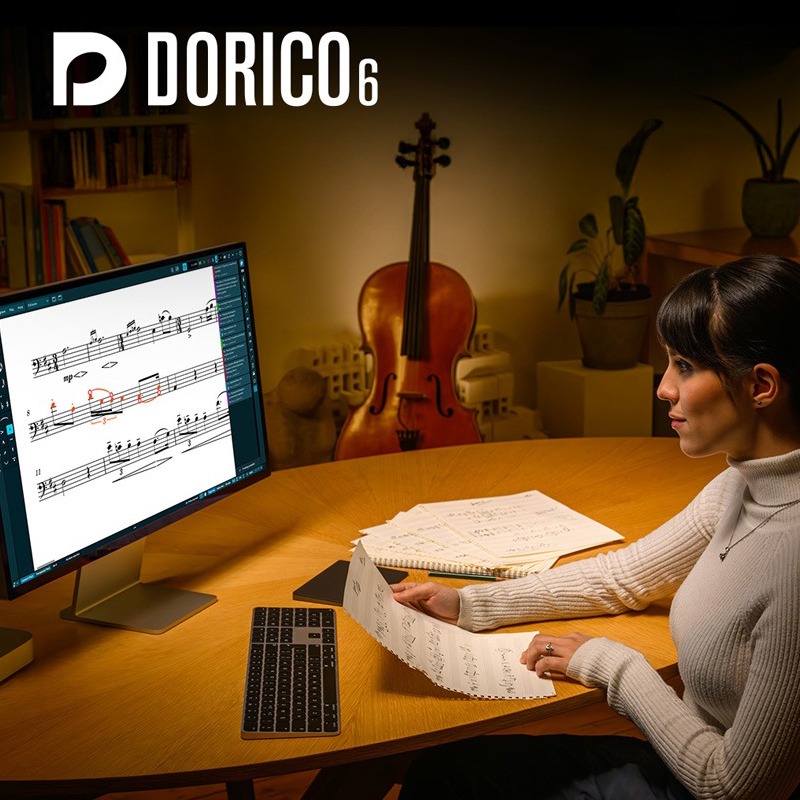
Steinberg Dorico Elements 6 Education is a professional-grade music notation software launched by Steinberg, featuring the same VST3 audio engine and intelligent layout technology as Cubase. It provides a comprehensive solution for composition, arrangement software, and score publishing. Its core intelligent assistant function automatically handles tedious score layout details, ensuring a smooth and uninterrupted creative process.
Compared to the cumbersome manual adjustments of traditional notation software, Dorico Elements 6, through its leading Automatic Engraving Engine, intelligently generates professional scores that are both aesthetically pleasing and highly readable, allowing creators to focus more on the music itself rather than layout details.
Steinberg Dorico Elements 6 Core Technologies and Features
- Intelligent Assistant & Automatic Engraving: Like having an intelligent assistant, Dorico's Automatic Engraving Engine produces elegant results comparable to a professional engraver, automatically handling note spacing, staff lines, and page layout.
- Multiple Flows in a Single Project: A single project file can contain multiple independent pieces or movements (called Flows), maximizing efficiency for managing large works such as symphonies, sonatas, or film scores.
- Automated Part Creation: With just one click, individual parts for all instruments can be automatically generated from the full score. Any modifications made to the full score are instantly synchronized to all relevant parts, eliminating repetitive work.
- Integrated MIDI Editor: Dorico is the only professional notation software with a built-in full sequencer interface, including a Piano Roll, Velocity, and MIDI controller editing tracks, allowing you to precisely control the actual playback performance of your score.
- Efficient Note Input: Supports rapid note input using a computer keyboard or MIDI keyboard, and provides a large number of customizable shortcuts, significantly increasing notation speed.
- Guitar Tablature & Notation Link: Displays both standard notation and guitar tablature simultaneously, with full synchronization. When you edit the tablature, the standard notation automatically updates, and vice versa, supporting instruments with any number of strings.
- Flexible Chord Symbols: Built-in support for six major chord symbol notation conventions, plus dozens of customization options, allowing you to fine-tune every visual detail of your chord symbols.
- VST3 Virtual Instrument Support: Equipped with a world-class audio engine on par with Cubase and Nuendo, supporting all VST3 format virtual instruments and effects, providing a pristine, high-quality sound playback experience.
Steinberg Dorico Elements FAQ
THINK2 Warranty & Support
THINK2 — Authorized Audio Gear Dealer in Taiwan


