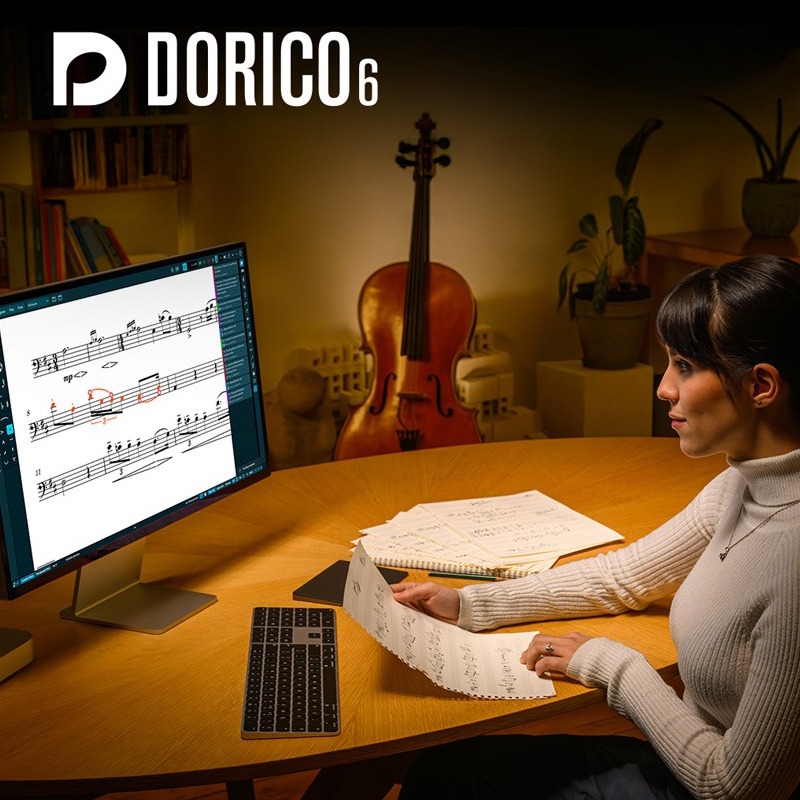
Steinberg Dorico Elements 6 Full Version|Intelligent Music Notation and Arrangement Software for Composers
Next-Generation Intelligent Notation Software: A Rapid Creation Experience from Inspiration to Score
Steinberg Dorico Elements 6 Full Version is Steinberg's professional-grade music notation software, featuring an exclusive AI-powered intelligent layout engine and support for VST3 virtual instruments and effects. Whether you are a composer, arranger, music educator, or student, Dorico provides the most fluid and intuitive creative workflow, allowing you to focus on the music itself rather than tedious software operations. Its core design philosophy is to let the computer adapt to your music, automatically handling complex score engraving and layout rules.
Compared to the tedious manual adjustments required by traditional notation software, Dorico Elements 6, through its intelligent score layout engine, automatically produces publication-quality scores, significantly reducing revision time. It integrates a powerful MIDI editor, seamlessly connecting score writing with audio production, making it the best choice for modern music professionals for full score production and arrangement software integration.
Quick Facts Product Overview
-
Brand:Steinberg
-
Model:Dorico Elements 6 Full Version
-
Core Technology:AI Intelligent Layout and Engraving Engine
-
Built-in Sounds: Iconica Sketch Orchestra, Groove Agent SE
-
Supported Plugin Formats: VST3
-
Applicable Scenarios:Composition, Arrangement, Music Education, Part Extraction, Guitar Tablature Creation
Steinberg Dorico Elements 6 Core Technologies and Features
-
Intelligent Assistant Layout: Equipped with a cutting-edge AI engine, acting like your personal assistant, it automatically rewrites the score as you input, delete, and edit notes, ensuring the score is always clear, readable, and meets professional standards.
-
Multiple Movements per Project (Flows): Each project file can contain an unlimited number of independent musical segments, called "Flows," making it ideal for composing sonatas, symphonies, film scores, or song collections.
-
Integrated MIDI Editor: The only professional notation software with a built-in sequencer-style MIDI editor, including piano roll, velocity, MIDI controller, and tempo track editors, allowing for fine-tuning of score playback without switching software.
-
Automatic Part Layout: With just one click, all instrumental parts can be automatically generated from the full score. Any modifications to the full score are instantly and accurately synchronized to all relevant parts.
- -
Clean and Efficient Workflow: Dorico features a clean, distraction-free interface designed to let you fully focus on music creation, with all tools easily accessible but never cluttering your view.
-
VST3 Engine Support: Built-in with the same world-class audio engine as Cubase and Nuendo, providing pristine sound quality and full support for all VST3 virtual instruments and effects, expanding your sound library.
-
Flexible Chord Symbols: Supports six major chord symbol conventions and offers dozens of options to customize their appearance, allowing for fine-tuning of even the smallest details of each symbol.
-
Linked Guitar Tablature: Can display guitar tablature independently or alongside standard notation. Both are fully linked; editing one automatically updates the other, supporting instruments with any number of strings.
-
Professional Drum Notation: Easily create clean, precise drum notation. Whether for standard drum kits or complex percussion setups, Dorico presents them in the clearest possible way.
Dorico 6 New Features Explained
Dorico 6 New Feature Highlights
-
Real-time Proofreading Panel: A new dedicated proofreading panel monitors and highlights potential notation errors in real-time as you edit your score, offering correction suggestions.
-
Cycle Playback: Define and create loop playback regions in any section of your score, allowing you to edit while listening to the loop, with changes taking effect immediately in the next cycle.
-
Fill View: Automatically maximizes your view to display as many staves as possible, ensuring all the content you need remains in sight, enhancing editing efficiency.
-
OpenType Font Support: Full support for OpenType font character substitution and positioning features, giving you finer control over the printed details of your score.
-
Basic Marching Percussion Sounds: In collaboration with Virtual Drumline developer Tapspace, basic marching percussion sounds such as cymbals, tenor drums, snare drums, and bass drums have been added.
-
Simplified Editing Workflow: Now, simply double-click to directly modify instrument names, player groups, project information, titles, and other fields, making operations more intuitive.
Included Sounds and Plugins
-
Iconica Sketch Orchestral Sound Library: Provides a versatile, expressive, and lifelike orchestral instrument sound library to meet the needs of various ensemble sizes.
-
Groove Agent SE Drum Plugin: Built-in with diverse and dynamic drum kit sounds, adding powerful rhythmic drive to your music creation.
-
Video Support: Utilizes the same powerful video engine as Cubase and Nuendo, allowing you to import videos into your projects for precise scoring and sound design.
Technical Specifications (Tech Specs)
| Software Type | Music Notation and Arrangement Software |
| Version | Elements 6 (Full Version) |
| Platform | macOS, Windows |
| Licensing Method | Digital Download, Instant License Key Delivery |
| Windows System Requirements | 64-bit Windows 10 / 64-bit Windows 11 |
| macOS System Requirements | macOS Mojave, Catalina, Big Sur, Monterey, Ventura |
| Processor (CPU) | Intel or AMD Multi-core Processor (Intel i5 or faster recommended) |
| Memory (RAM) | 8 GB (16 GB recommended) |
| Hard Drive Space | 12 GB available hard drive space |
| Supported Formats | VST3 Plugins, Import/Export MusicXML, MIDI |
Steinberg Dorico Elements FAQ
THINK2 Warranty & Support
Software Purchase Information
- Guarantee: This product comes with an official license key, ensuring successful activation and registration.
- Delivery: The serial number and download information will be sent via email; no physical shipment is required.
- Support: We provide basic technical assistance for installation and activation. In case of activation issues, we will help coordinate with the manufacturer for resolution.
- Warranty: License and download rights are maintained according to the manufacturer’s policy; software updates, upgrades, and version changes are subject to the manufacturer’s announcements.
- Customer Service: For questions regarding license, compatibility, or installation, please contact THINK2 customer support for immediate assistance.
Reminder: Please confirm compatibility with your operating system, DAW, and plugin formats before purchasing. Digital products are not eligible for a standard trial/return period; if you need to modify your order before activation, please contact customer service first.
THINK2 — Authorized Audio Gear Dealer in Taiwan
202604100242