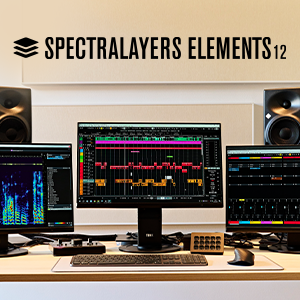
Steinberg SpectraLayers Elements 12 - Full Version|AI-Driven Visual Spectral Audio Editing Software
Revolutionary Audio Scalpel: Visually Repair and Separate Audio with Precision
Steinberg SpectraLayers Elements 12 is a professional-grade spectral editing software from Steinberg, featuring AI-assisted audio separation technology with processing precision up to 384 kHz / 32-bit. It transforms sound into visual spectral layers, allowing you to perform audio restoration, vocal separation, noise reduction, and creative sound design with unprecedented accuracy. Whether a podcast creator needs to remove background noise or a musician wants to produce high-quality backing tracks, SpectraLayers offers a powerful and intuitive solution, seamlessly integrating with your DAW via ARA 2 technology.
Compared to traditional waveform-based destructive editing, SpectraLayers Elements 12 utilizes a non-destructive, layer-based workflow, making audio restoration as intuitive as using Photoshop, achieving precise control over sound details. Its core advantage over similarly priced audio editing tools lies in its powerful AI vocal separation engine, capable of quickly extracting clean vocals from a complete stereo mix, a feat difficult to achieve with traditional EQs or filters.
Quick Facts Product Overview
- Brand:Steinberg
- Model:SpectraLayers Elements 12
- Core Feature:AI-Assisted Vocal Separation (Unmix Vocals)
- Max Resolution:384 kHz / 32-bit
- License Type: Perpetual License (3 simultaneous activations)
- Use Cases:Vocal removal for backing tracks, Podcast noise reduction, Audio restoration, Music post-production, DJ Remix creation
Steinberg SpectraLayers Elements 12 Core Technologies and Features
- AI Smart Vocal Separation: Equipped with an advanced AI-assisted Unmix Vocals process, it can one-click separate vocal tracks and instrumental tracks from a complete stereo mix, making it a powerful tool for creating karaoke backing tracks, Acapella, or Remixes.
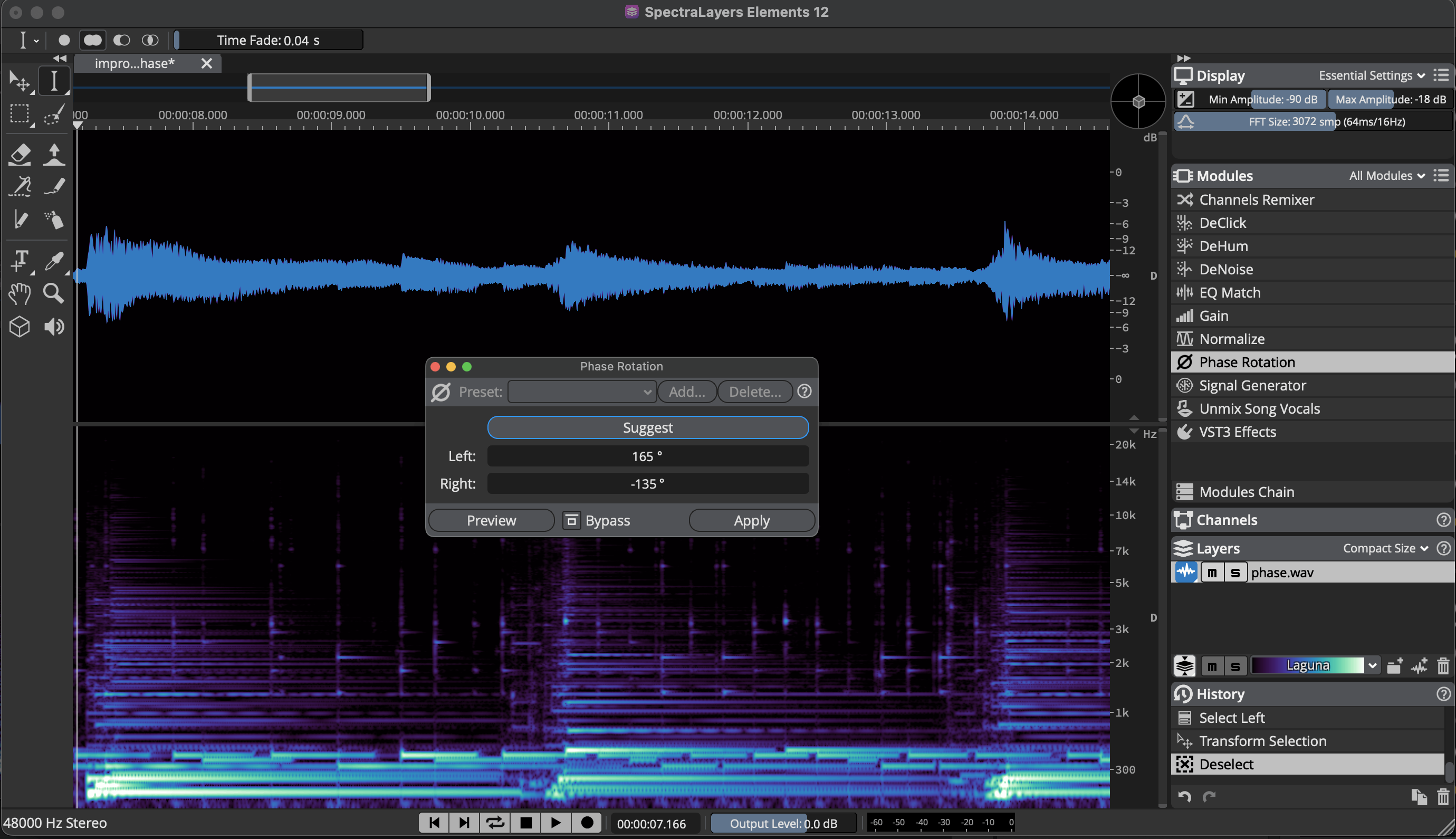
- Layer-based Spectral Editing: Adopts a revolutionary layer-based workflow, placing different spectral elements of audio (e.g., vocals, background noise) on separate layers. You can non-destructively copy, move, modify, or delete specific sounds just like editing images, offering immense editing freedom.
- Multi-dimensional Precise Selection Tools: Offers various powerful selection tools, including frequency selection, time selection, harmonic selection, and magic wand tool, allowing you to precisely target and manipulate specific sound events in audio, such as a single plosive, chair movement noise, or background hum.
- Integrated Audio Restoration Workflow: Built-in professional-grade restoration tools, including Hum Reduction, Click Repair, and Noise Reduction, can quickly and effectively resolve common audio imperfection issues.
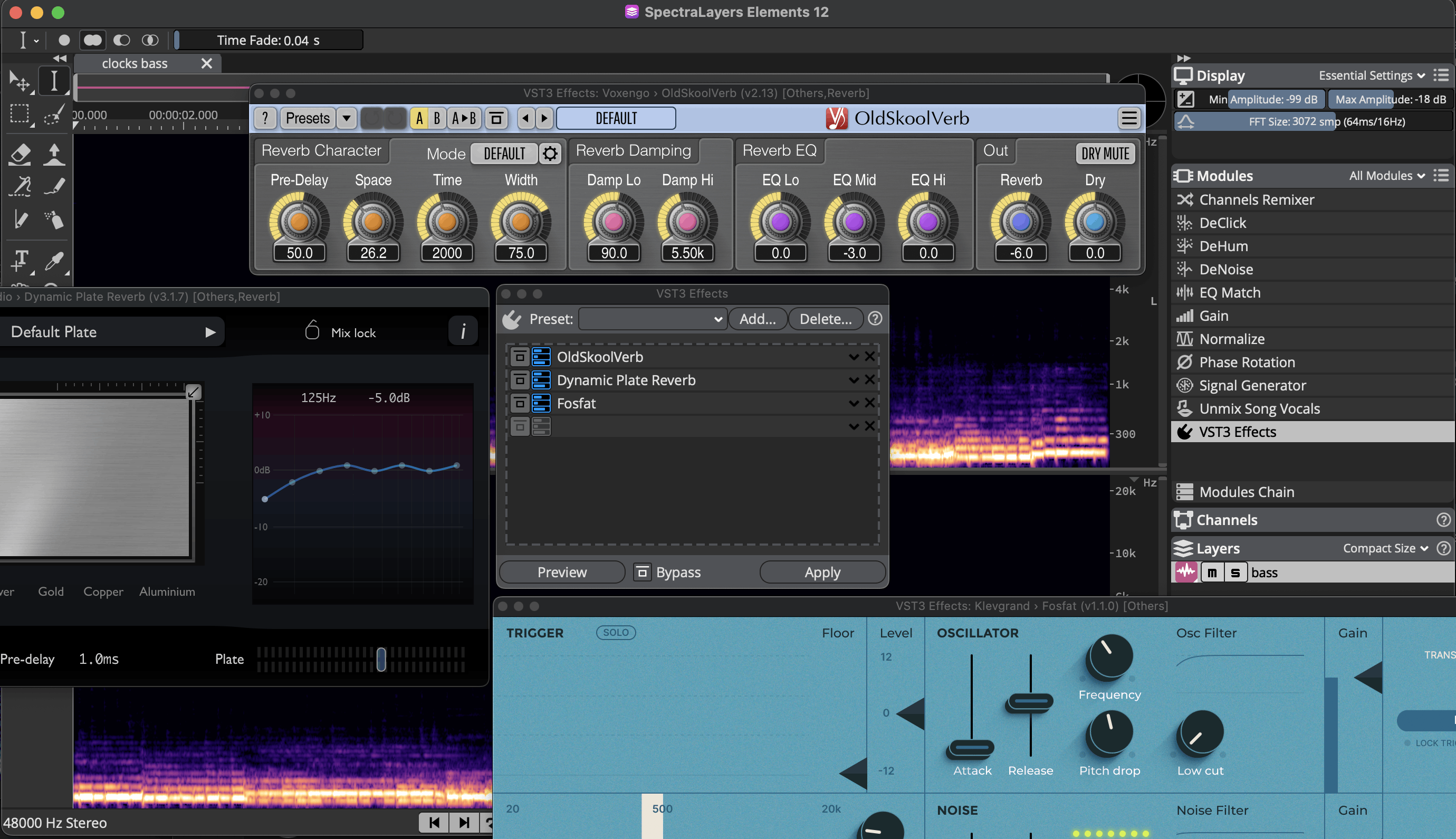
- Seamless ARA 2 Integration: Supports ARA 2 plug-in technology, allowing it to be opened directly as a plug-in in compatible DAWs (e.g., Cubase, Nuendo, Studio One, Logic Pro). You can perform spectral editing directly on audio tracks without leaving your arrangement project, significantly boosting workflow efficiency.
- High-Resolution Audio Processing: Supports up to 384 kHz sample rate and 32-bit floating-point processing, ensuring the highest fidelity in audio quality throughout the editing and processing stages, meeting the stringent requirements of professional mastering and file restoration.
Detailed Explanation of Core Features and Tools
Steinberg SpectraLayers Elements FAQ
THINK2 Warranty & Support
Software Purchase Information
- Guarantee: This product comes with an official license key, ensuring successful activation and registration.
- Delivery: The serial number and download information will be sent via email; no physical shipment is required.
- Support: We provide basic technical assistance for installation and activation. In case of activation issues, we will help coordinate with the manufacturer for resolution.
- Warranty: License and download rights are maintained according to the manufacturer’s policy; software updates, upgrades, and version changes are subject to the manufacturer’s announcements.
- Customer Service: For questions regarding license, compatibility, or installation, please contact THINK2 customer support for immediate assistance.
Reminder: Please confirm compatibility with your operating system, DAW, and plugin formats before purchasing. Digital products are not eligible for a standard trial/return period; if you need to modify your order before activation, please contact customer service first.
THINK2 — Authorized Audio Gear Dealer in Taiwan