Steinberg SpectraLayers Pro 12 Competitive Crossgrade|AI-Powered Next-Generation Spectral Audio Editing and Restoration Software
Industry-Leading AI Spectral Editing Software for Precise Audio Separation and Restoration.
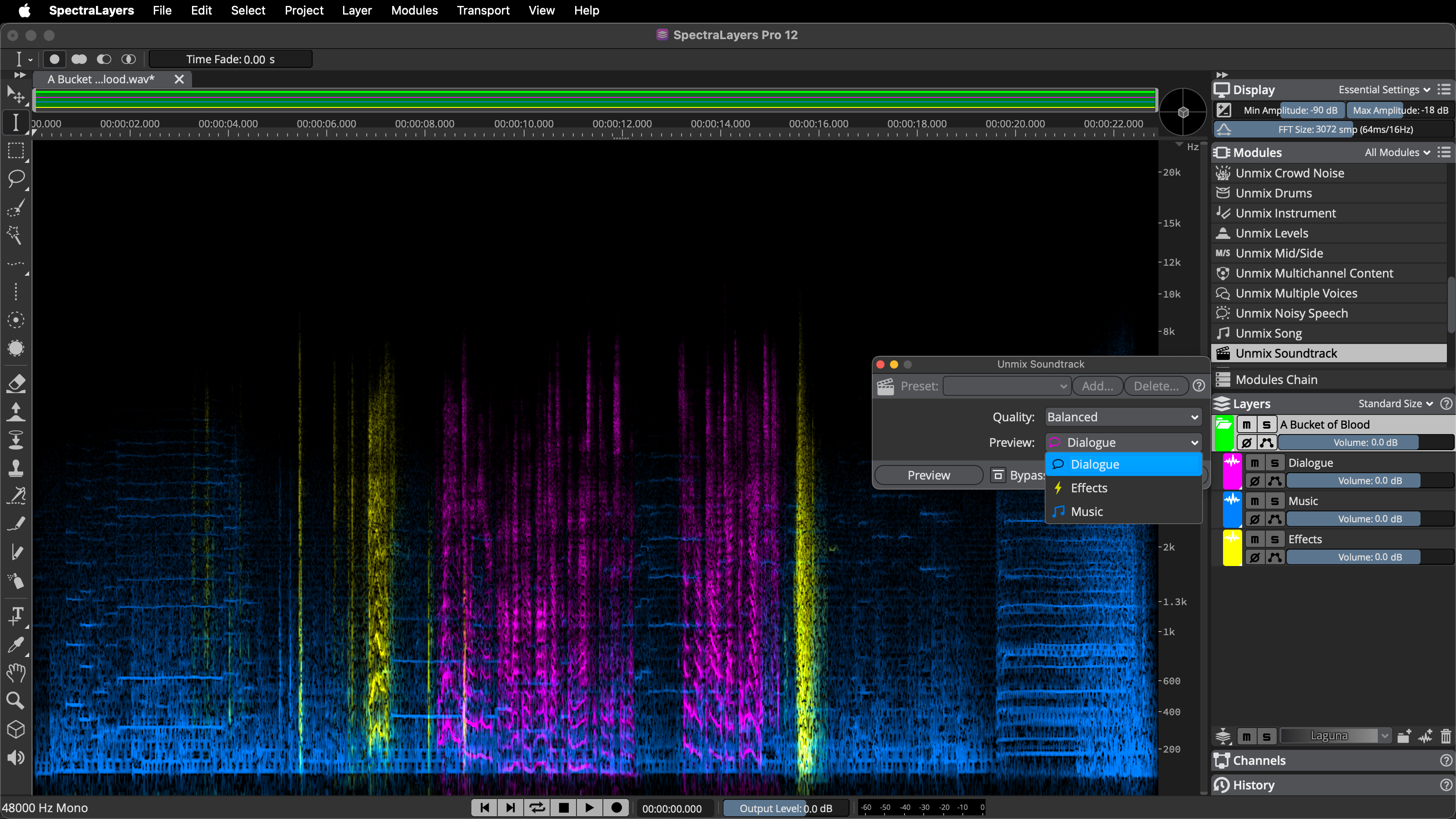
SpectraLayers Pro 12 is Steinberg's professional-grade spectral audio editing software, featuring advanced AI-driven algorithms that provide unparalleled audio separation and restoration capabilities. This powerful tool is not only an essential asset for audio engineers but also a creative core for music producers, post-production specialists, and sound designers. It boasts robust spectral editing software functionalities, visualizing audio files as spectrograms, allowing you to edit the subtle nuances of sound with unprecedented precision. Whether it's noise removal, instrument separation, or creative sound reshaping, SpectraLayers Pro 12 handles it with ease.
Compared to traditional waveform editors, SpectraLayers Pro 12's visual layer operations allow users to precisely "see" and edit every component of sound, much like image processing. Its core AI audio restoration technology intelligently identifies and processes various audio imperfections such as plosives, hisses, and ambient noise. The enhanced vocal/instrument separation capabilities can extract up to seven independent instrument parts from a complete mix, offering endless possibilities for remixing, mastering, and vocal processing. Compared to similarly priced audio restoration software, SpectraLayers Pro 12's advantage lies in its unique non-destructive layer editing logic and deep ARA 2 integration, enabling a seamless and efficient workflow with DAWs.
Please note: This is a Competitive Crossgrade version, offered exclusively to users who own specific competing software (e.g., iZotope RX, Adobe Audition, etc.). Its features are identical to the full version, but eligibility verification is required.
Quick Facts
- Brand:Steinberg
- Model:SpectraLayers Pro 12 - Competitive Crossgrade
- Core Technology:AI-driven Unmix Audio Separation Algorithm
- Plugin Formats: VST3, AAX, ARA 2
- System Support: 64-bit macOS & Windows
- Applications:Film Post-Production, Music Mastering, Podcast Vocal Restoration, Sound Design, Forensic Audio Analysis
Steinberg SpectraLayers Pro 12 Core Technologies and Features
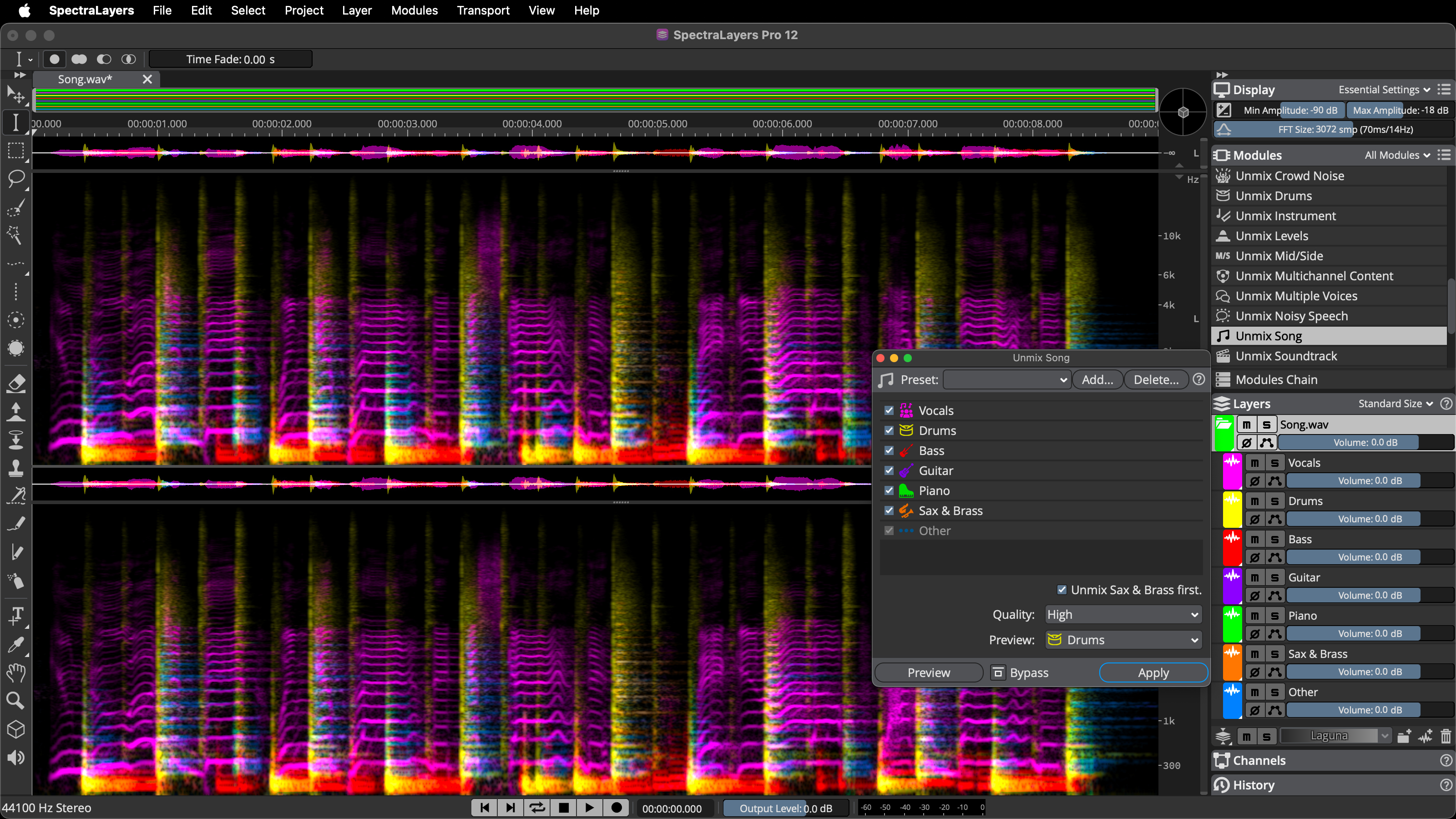
- AI-Driven Unmix Module:Newly upgraded AI algorithms can separate complete songs into up to seven independent stems: vocals, music, drums, bass, piano, guitar, and other instruments. New Soundtrack and Instrument modules precisely separate dialogue, sound effects from film soundtracks, or extract specific instruments from audio.
- Professional Voice Processing Suite: New AI-driven Voice Enhance and DePlosive modules can repair poor-quality vocal recordings. Enhanced Voice DeNoise and UnMix Transcript features set new standards for ADR, audiobooks, and podcast production.
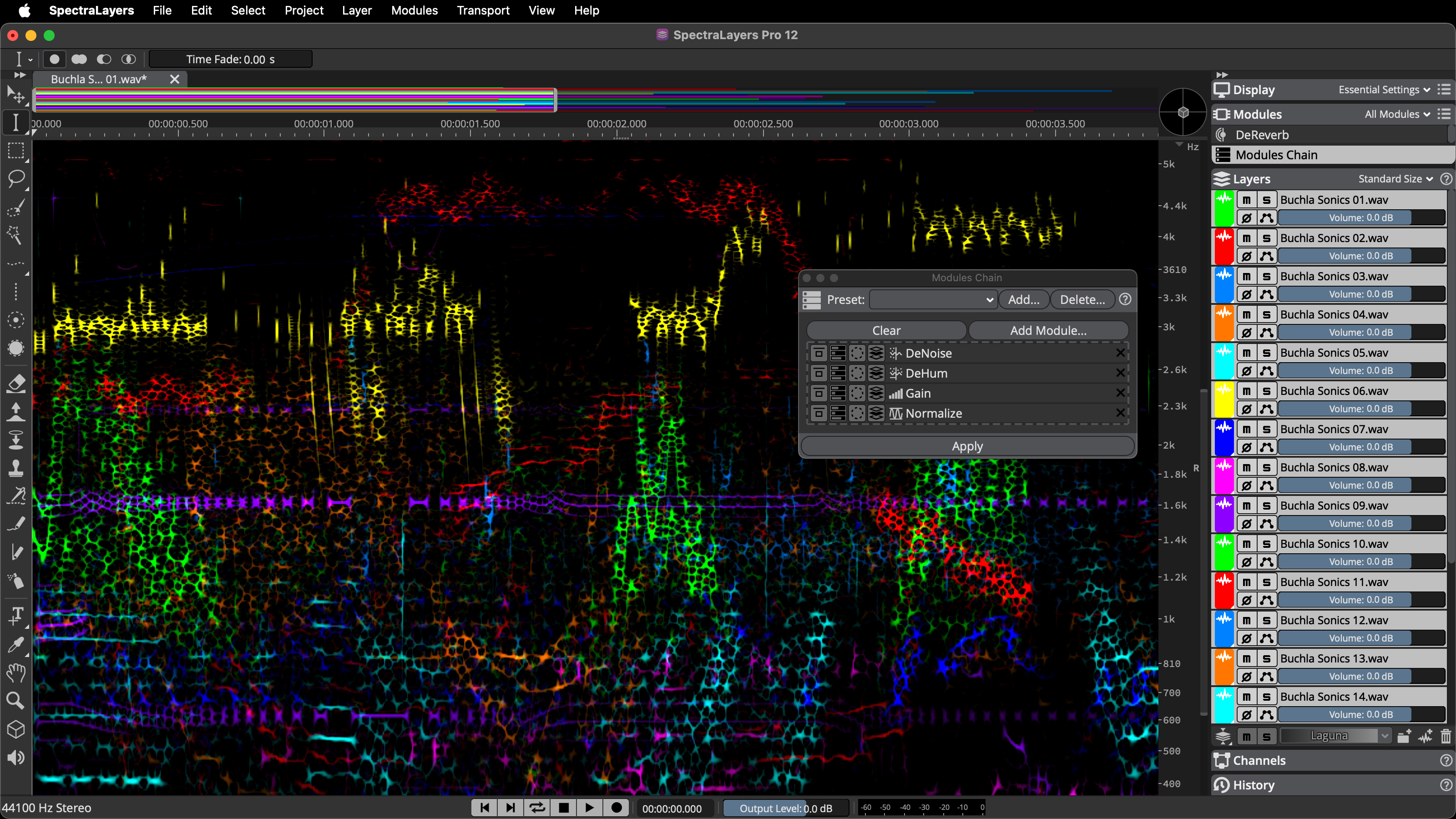
- Efficient Workflow: The new Modules Chain feature allows users to customize processing workflows, save presets, and apply them to batch processing. It supports simultaneous display of multiple VST3 effect interfaces, multi-layer synchronous editing, and ARA clip track grouping, significantly boosting editing efficiency.
- Batch Processing and Automation: The powerful Batch Processing window can process multiple files simultaneously and render them as complete mixes or categorized individual elements. It supports Volume Envelope Automation and direct in-place rendering.
- Precise Spectral Editing Tools: Offers enhanced frequency, harmonic, and transient selection tools, allowing direct adjustment of selection sizes on the spectrogram. Unique "sound painting" toolset, including eraser, frequency repair, and transient pencil, enables pixel-level precise restoration.
- Creative Sound Design Features: New Phase Rotation module corrects asymmetrical waveforms, and the Time-Reverse module reverses audio in any selection. The integrated Signal Generator module offers more possibilities for sound design.
- Seamless DAW Integration: Through ARA 2 technology, deep integration with Cubase and Nuendo is achieved, allowing multiple layers to be dragged and dropped directly into the DAW's arrange window. It also supports dragging layers directly to the desktop to quickly generate transcoded audio files.
Steinberg SpectraLayers Pro FAQ
THINK2 Warranty & Support
Software Purchase Information
- Guarantee: This product comes with an official license key, ensuring successful activation and registration.
- Delivery: The serial number and download information will be sent via email; no physical shipment is required.
- Support: We provide basic technical assistance for installation and activation. In case of activation issues, we will help coordinate with the manufacturer for resolution.
- Warranty: License and download rights are maintained according to the manufacturer’s policy; software updates, upgrades, and version changes are subject to the manufacturer’s announcements.
- Customer Service: For questions regarding license, compatibility, or installation, please contact THINK2 customer support for immediate assistance.
Reminder: Please confirm compatibility with your operating system, DAW, and plugin formats before purchasing. Digital products are not eligible for a standard trial/return period; if you need to modify your order before activation, please contact customer service first.
THINK2 — Authorized Audio Gear Dealer in Taiwan